Deleted Claims Audit Trail Report

Ctrl + P
Reports > Print
Either
Click
Press Ctrl + P
Select Reports > Print
The Print Report window appears.

Select one of the Deleted Claims Audit Trail Report from the list provided (you may have to scroll down the list to access it), and click Next The criteria window for the selected report will appear.
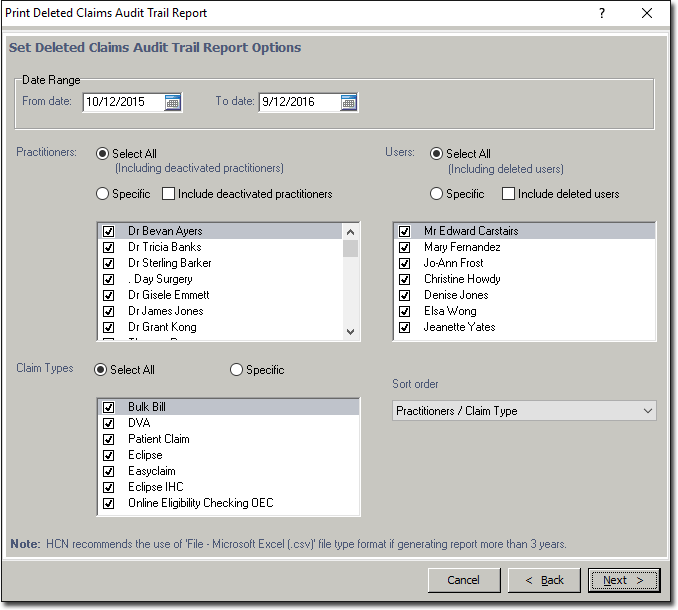
Select your desired criteria as necessary.
Click Next when you are ready to proceed.