Generic Lists
Setup > Templates > Reports
Bluechip allows you to print a report that lists the name, address, phone numbers and file no/provider no, of a complete File List or a customised Print List.
To Install the List Report Template
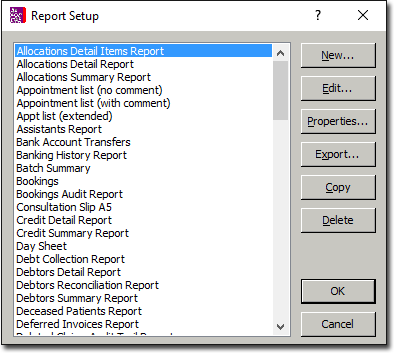
Select Setup > Templates > Reports from the Bluechip Main window. The Report Setup window appears.
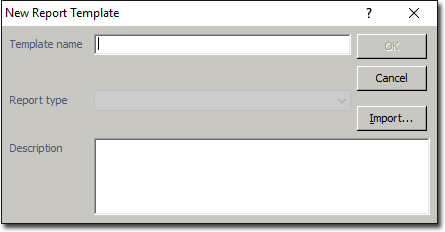
Click New The New Report template window appears.
Click  and search for your Blue directory. This should be located on your server, or on your c: or d: drive.
Double-click the Report Templates folder in the Bluechip directory.
Double-click the file named genlist.rtf. Follow the printing instructions for Printing an entire File List or Printing a Customised Pick List. Ensure you select List Report from the available templates.