Printing Envelopes

Ctrl + O
File > Open
Click The Open window appears.

Select the patient, or non-patient recipient (company, for example) from the list provided.
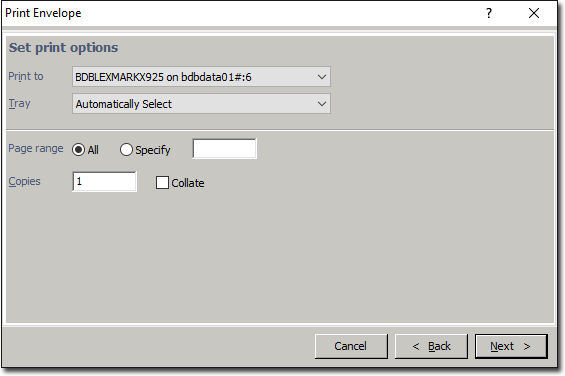
Once you have selected a recipient, click  and then select Print Envelope from the menu that appears. The Print Envelope window appears.
Select the appropriate report and click Next
Check the printer setting are correct and click Next to print the envelope.