Changing Statement Design
Reports > Statements
Click Reports > Statements on the Main menu. The MedicalDirector Pracsoft Statements of Accounts Rendered window appears.
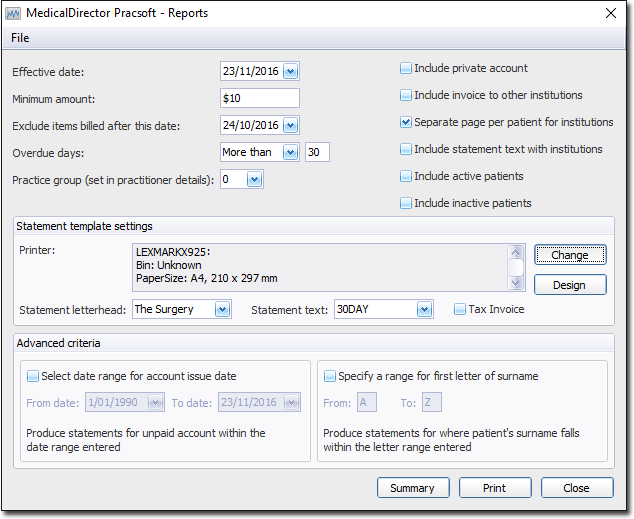
Click  to change the design of the Statement Template. The Statement Design window appears.

Enter any new text into the text boxes provided and click  The new text will be used on the Statements.